
How to File an Auto Insurance Claim Using a Mobile App

Dealing with a car accident is stressful. It's even worse with complex paperwork. But technology has made things easier. Now, you can handle your mobile app auto insurance claim from your phone. This turns a tough task into something simple.
Digital self-service insurance tools let you report incidents and upload photos of damage. You can even track your claim in real time. This saves you time and gives you peace of mind when you need it most.
In this guide, we'll show you how to use your provider's platform. You'll learn to capture the right info and submit your claim fast. By the end, you'll be ready to handle any road bumps with ease.
Preparing for Your Digital Self Service Claim
Getting ready for your digital self-service claim involves a few important steps. Before you start your auto insurance digital claim, make sure you have all the needed info and documents.
1. Ensuring Your Safety at the Scene
Your safety is the most important thing. If you're in an accident, move to a safe spot to reduce further risk. Check if anyone is hurt and call emergency services if needed. Also, turn on your hazard lights to alert other drivers.
After you're safe, start collecting the necessary info. This includes details about the accident, like where it happened, when, and who was involved.
2. Gathering Essential Documentation and Photos
To support your insurance claim, you'll need some important documents and photos. Take clear photos of the damage to all vehicles involved, and any other important evidence like skid marks or debris. You'll also need the contact and insurance info of the other parties.
Don't forget to document any witness statements. Also, note the police report number if the police were called.
3. Checking Your Policy Coverage Details
Before you start your claim, review your policy coverage. Know what your auto insurance policy covers and what it doesn't. Check your policy limits and deductibles to understand what to expect from your claim.
This preparation will help you move through the insurance claim process more smoothly. It ensures you're well-prepared for what comes next.
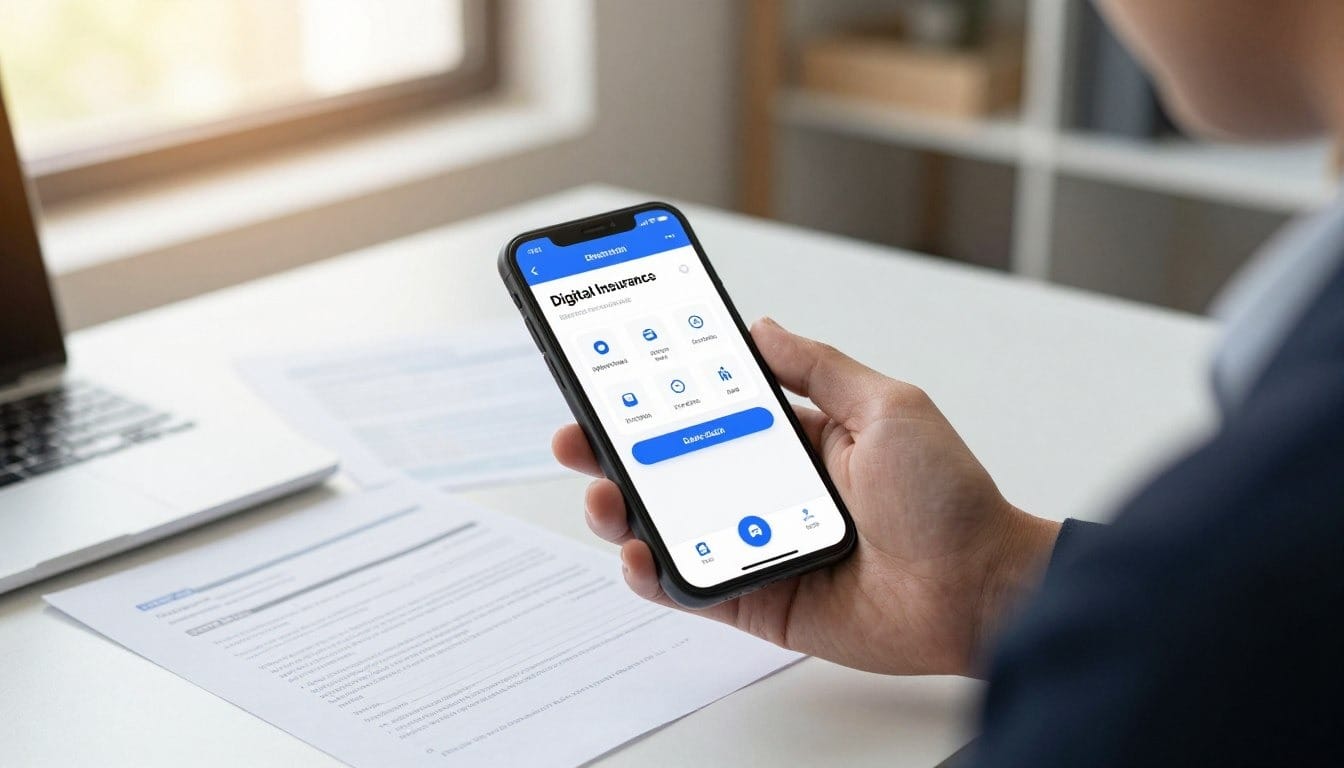
How to Use the Mobile App Claim Process
Let's go through how to file an auto insurance claim on your mobile app. It's easy and fast, so you can report your claim quickly.
1. Logging In and Locating the Claims Portal
First, log in to your insurance app with your login info. Then, find the claims section, usually called "Claims" or "Report a Claim."
Tip: Make sure you have a stable internet connection for a smooth experience.
2. Entering Incident Details and Damage Descriptions
When you get to the claims portal, enter the incident details. This includes the date, time, and location. Also, describe the damage to your vehicle.
Be as detailed as possible when describing the incident and damage. This helps your claim get processed right.
3. Uploading Evidence and Supporting Documents
Uploading evidence is key in the claims process. This includes photos of the damage and any other important documents.
Tips for Capturing High-Quality Damage Photos
- Take clear, well-lit photos of all damage.
- Capture multiple angles for a full view.
- Include photos of any relevant road signs or surroundings.
Managing Your Digital File Uploads
Make sure your files are in a compatible format (like JPEG, PNG, PDF). Also, they shouldn't be too big. You can find size and type guidelines in the app.
4. Reviewing and Submitting Your Claim
Before you submit your claim, check that all info is correct and complete. Make sure all fields are filled and you've uploaded all needed documents.
After checking everything, submit your claim. You'll get a confirmation message or email when it's submitted.
Stay Prepared with the Right Auto Insurance Tools
Filing an auto insurance claim through your mobile app is easy. It saves you time and reduces stress. By preparing the necessary documents, using your provider’s claims portal, and submitting accurate information, you can handle the process quickly and confidently from your phone.
Using a mobile app for your auto insurance claim gives you more control. You can report incidents, track your claim status, and communicate with your insurer from anywhere, making the entire experience more efficient and user-friendly.
At Mila, we take it a step further. We help you compare auto insurance in real time, so you can find the right coverage before you ever need to file a claim.
Frequently Asked Questions About Auto Insurance Claims Through Your Mobile App
Which insurance companies offer the best mobile apps for filing a claim?
Top providers have created digital tools to help you. State Farm, Geico, and Progressive have apps that make filing claims easy. These apps guide you through the process, ensuring you capture all important details.
What should I do to stay safe before I start my digital claim?
Safety comes first. Move your vehicle to a safe spot and turn on hazard lights. Check for injuries before starting your claim.
How do I take high-quality damage photos that the insurance company will accept?
Take photos from different angles. Start with wide shots and then close-ups. Use natural light and avoid flash for clear images.
What specific information will I need to enter into the app?
You'll need the incident's date, time, and location. Also, a brief description and your policy number. Include other parties' info and witness statements if you have them.
Can I check my policy coverage and deductible through the mobile app?
Yes, apps like Nationwide give you instant access to policy details. Check your deductible and see if your policy covers extras like roadside assistance.
How do I manage my digital file uploads if the app times out?
Upload evidence as soon as you take it. Save photos to your gallery if you're in a weak signal area. Many apps, like Travelers', let you save a draft for later.
How can I track the status of my claim after I hit submit?
After submitting, the app tracks your claim. You'll get updates, see your adjuster's contact info, and upload more documents if needed.